
How to use Seedance: plan your first video
A Shedance walkthrough for choosing an input, writing one clear shot, reviewing credits and evaluating motion without changing everything at once.
Last updated: 2026-10-19

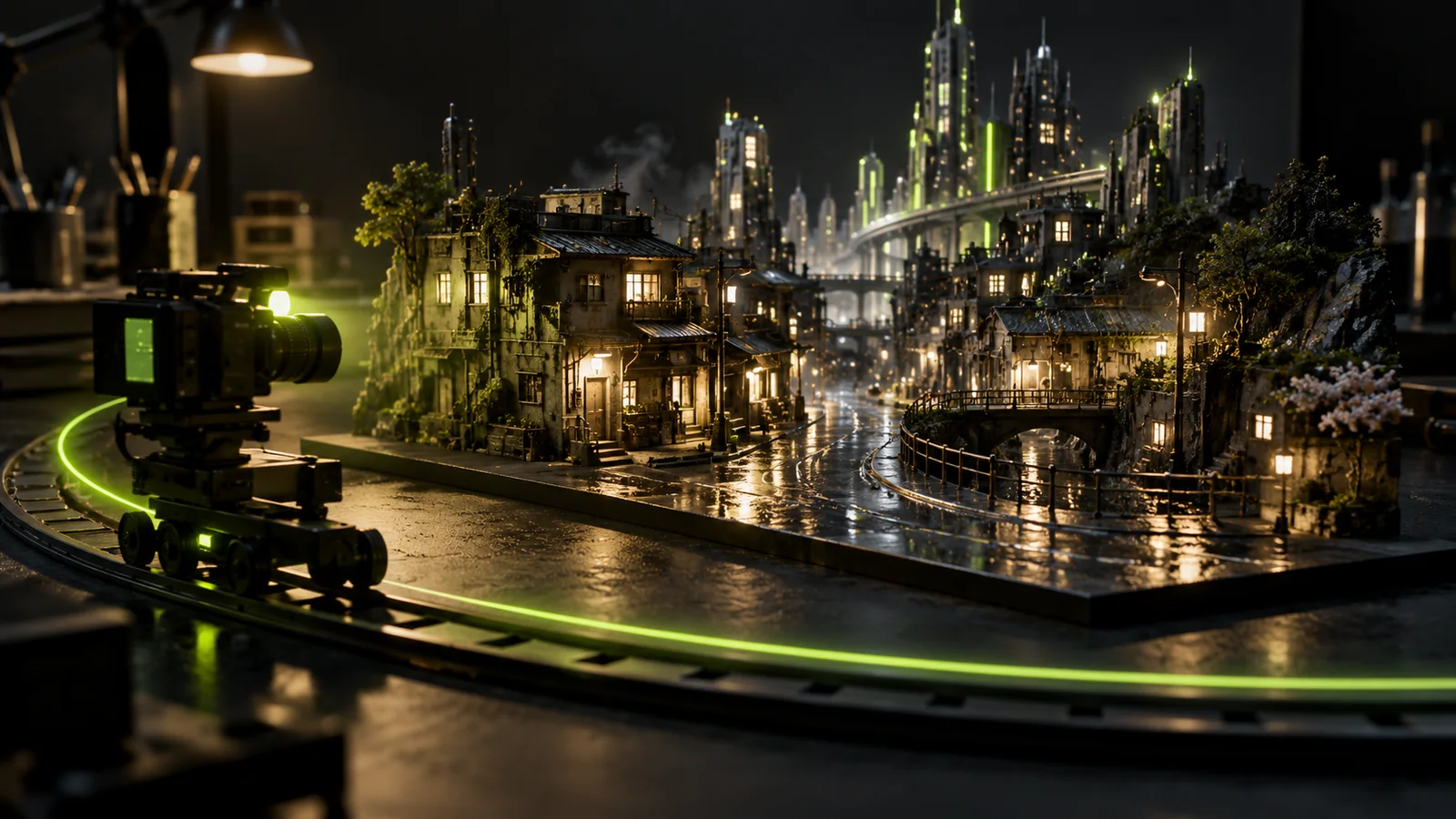
Start with one subject, one action and one camera move. In Shedance’s studio, choose an available Seedance model, supply the inputs that model accepts, review its credit quote and submit a short test. You can begin from a written scene or an authorized first-frame image where supported. The controls in the studio determine which options are available today.
Shedance AI is an independent service, not ByteDance’s official website. This guide describes using Shedance, not an account or subscription on another service.
Choose text or an image first
| Starting point | Use it when | Prepare before opening the studio |
|---|---|---|
| Text to video | The scene can be invented and exact product or character appearance is not essential | Subject, action, setting, light and one camera move |
| Image to video | A composition, object or character should anchor the first frame | A clear image you can use, without conflicting directions in the prompt |
A first frame is a visual starting point, not a guarantee that every detail will remain unchanged. If a model offers additional references or an ending frame, check their meaning in its controls. Do not assume the same inputs are accepted by every Seedance variant.
A concrete shot brief
Use a miniature rainy city as a practice subject: an illuminated street, a tram that moves slowly through the middle distance and a camera that advances slightly. The illustration above is original AI-generated concept artwork. It is not a Seedance result or a before-and-after test.
Try this proposed prompt, then adjust it to your own material:
A single continuous cinematic shot of a miniature city street after rain. A small tram moves slowly across the middle distance. Warm shop lights reflect on wet paving. The camera makes a gentle forward move at street level. Keep the buildings stable and the motion restrained; no cuts.
For image input, describe what should move rather than rewriting every visible detail. For example: “Keep the street composition. Move the tram slowly across the middle distance while the camera advances gently.” Asking for an aerial orbit, a street-level close-up and several cuts in the same short shot creates competing instructions.
Submit a controlled first attempt
- Open the video studio and select the available Seedance option you want to evaluate. Check the displayed model label before adding references.
- Add your text and, for image input, upload a clear authorized source. Confirm that the uploaded image is selected rather than assuming it was attached.
- Choose the available aspect ratio, duration and output options for the intended placement. A landscape scene and a vertical social clip need different framing.
- Read the credit quote for those exact inputs. Compare Shedance credit options only after you know what one attempt requires. No fixed video count or processing time is promised here.
- Submit once. If the request is queued, follow the existing job rather than immediately starting a duplicate request. Return to your history if the tab is closed.
This guide does not record a paid generation test. The prompt is a starting hypothesis and results depend on the current model, provider, references and settings.
Evaluate before changing the prompt
Watch the complete result before deciding whether it worked. Check the subject, the first frame, the requested motion and the camera path separately.
| What you see | Try next | Keep unchanged |
|---|---|---|
| Buildings or objects warp | Reduce the camera movement and remove contradictory action | Source image and framing |
| Too much happens at once | Keep only the tram movement or only the camera move | Model and output settings |
| The result barely moves | Name one visible action and its direction | Scene description and lighting |
| A reference detail changes | Use a clearer source and a simpler movement; review whether this model fits the task | Your evaluation criteria |
Change one variable per attempt. That makes a second result useful evidence instead of an unrelated new experiment. Save your prompt, selected model label and settings alongside the downloaded result.
Credits, failures and downloads
A failed generation and an unsatisfactory completed result are different cases. Check the job status and balance history before assuming a refund is due. Failed jobs should release unused reserved credits; payment refund eligibility follows the refund policy. For a mismatch, contact support with the job identifier, approximate submission time and a description of the problem. Do not send credentials or card details.
Review your result for unstable geometry, unwanted text, likeness and usage rights before publishing it. Download files you want to keep. AI generation does not supply permission to use another person’s likeness, brand or copyrighted material.
Continue with a specific goal
Browse video examples for composition ideas, then adapt a single shot to your own brief. Read the reference and credit workflow for the wider process, or open the Seedance studio when your source and prompt are ready.